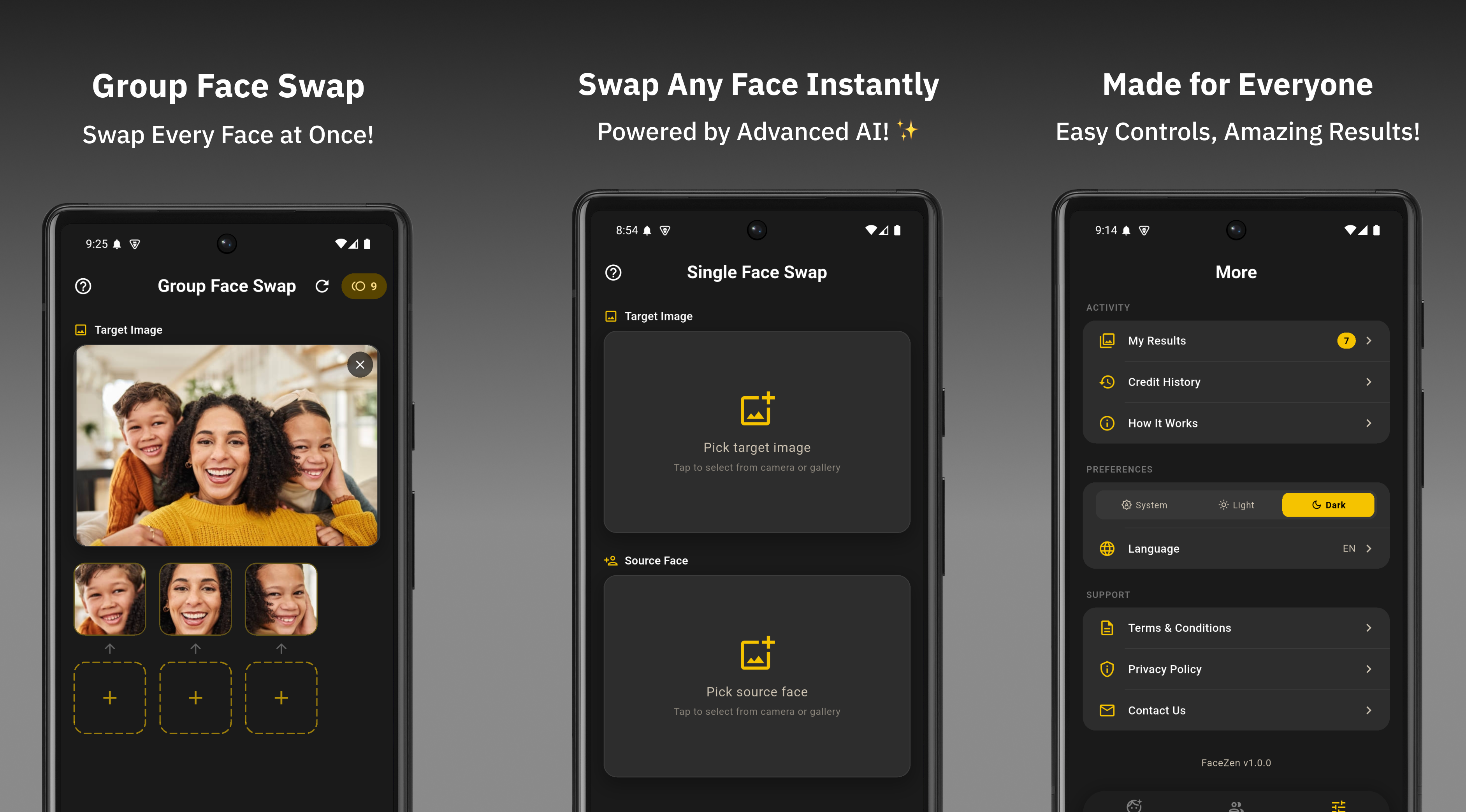
FaceWap's AI does the heavy lifting — but the quality of your input photos has a massive impact on how realistic the final result looks. Even the best AI face swap engine can only work with what you give it.
These 7 tips come directly from understanding what makes a face swap look seamless versus obvious. Apply them and you'll notice the difference immediately.
Use High-Resolution Photos
Resolution is the single biggest factor in output quality. A blurry or low-resolution source photo forces the AI to work with limited facial data — the result will be soft and unnatural. Always use the highest quality photo you have available. A crisp 12MP smartphone photo will outperform a compressed, resized image every time.
Match the Face Angle as Closely as Possible
If your target photo has a person looking straight at the camera, use a source face that's also facing forward. The AI adjusts for angle differences, but the closer the match, the more natural the blend. A profile-facing source on a front-facing target is the most common cause of an unnatural-looking swap.
Use Similar Lighting Conditions
Lighting mismatches are the second most common reason a face swap looks fake. If your target photo is taken outdoors in bright daylight, the source face should also be well-lit. A face from a dark indoor photo placed into a bright outdoor image will stand out immediately. Natural, even lighting in both photos gives the AI the best chance to blend them convincingly.
Keep the Face Unobstructed
Sunglasses, masks, hands, hair covering the face, or heavy shadows all reduce the AI's ability to accurately detect and map facial features. For the source face especially, use a clean, clear photo where the entire face is visible. For group photos in group swap mode, the same applies — partially hidden faces in the target photo may be skipped or produce weaker results.
Avoid Heavily Filtered Source Images
Instagram filters, Snapchat lenses, and beauty filters alter skin tone, add artificial lighting, and distort facial proportions. When the AI uses a heavily filtered face as the source, these distortions carry over into the swap and make the result look inconsistent with the target image. Use an unedited or lightly edited photo for the source face.
Use a Face That Fills the Frame
The more of the frame the face occupies in the source photo, the more detail the AI has to work with. A selfie or headshot where the face is the main subject gives far better source data than a full-body photo where the face is small. Crop your source photo to focus on the face before uploading if needed.
Choose a Natural Expression in the Source Photo
Strong expressions — wide open mouth, exaggerated squinting, or extreme emotion — distort facial geometry. The AI blends these distortions into the target face, which can look unnatural if the target face has a neutral expression. For the most seamless swap, use a source photo with a relaxed, neutral, or mild expression. Save the dramatic expressions for meme-specific creative projects where an exaggerated result is the goal.
Following just 3 of these tips — high resolution, matching angle, and similar lighting — will improve your face swap results significantly. All 7 together produce results that look genuinely realistic.
Quick Do's and Don'ts
Do
- Use high-resolution photos
- Match face angles between photos
- Use similar lighting conditions
- Keep the face fully visible
- Use unfiltered source images
- Crop source to focus on the face
- Use neutral expressions for natural results
Don't
- Use blurry or compressed photos
- Mix very different lighting conditions
- Use photos with sunglasses or masks
- Use heavily filtered selfies as source
- Use a full-body shot as source face
- Use extreme expressions as source
- Use screenshots from video calls
Apply these guidelines consistently and your FaceWap results will be cleaner, more realistic, and far more shareable. The AI does its job best when you give it the right material to work with.
Put These Tips to the Test
Download FaceWap free and try your next face swap with these tips in mind.
Download FaceWap Free