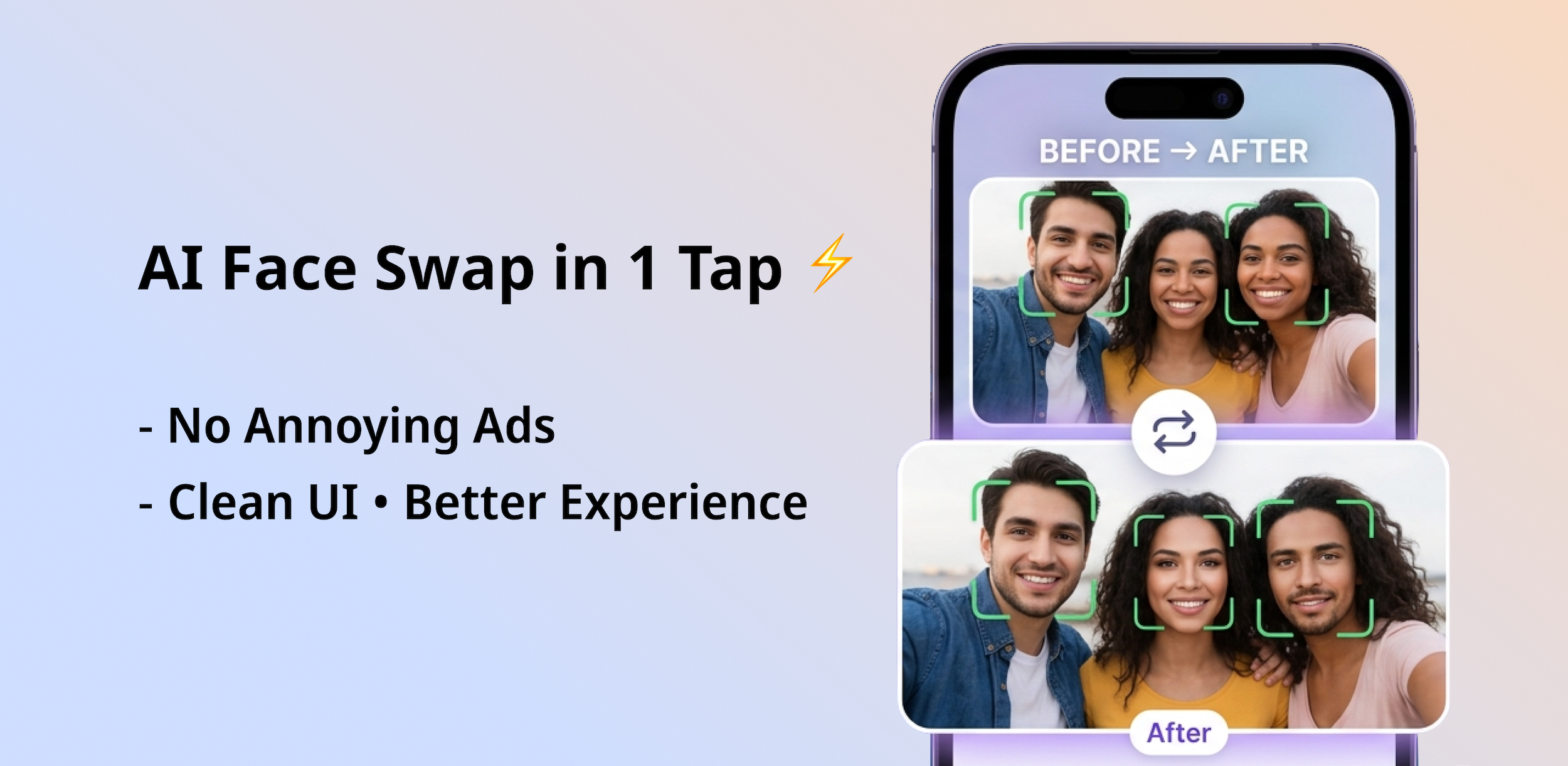
AI face swap has moved way beyond novelty. In 2026, people are using it for everything from viral social content to personalised gifts. If you've only been using FaceWap to swap faces on selfies, you're leaving a lot of fun on the table.
Here are 5 creative ways to get more out of AI face swap — each one works perfectly in FaceWap, and all results are watermark-free.
Create Viral Memes with Your Own Face
Meme culture thrives on recognisable faces — but the funniest memes are the ones that feel personal. Take any classic meme template with a strong facial expression and swap in your face, a friend's, or a celebrity's. The result is instantly shareable and original.
FaceWap's single face swap handles portrait-style meme templates perfectly. The AI blends your face into the expression and lighting of the original photo, making it look like you were always in the frame.
Best mode: Single Face Swap
Swap Faces in Group Event Photos
After a wedding, birthday party, or team gathering, you always end up with one photo where someone's blinking or pulling a terrible face. Instead of binning the photo, swap in a better version of that person's face from another shot.
Group face swap in FaceWap lets you target specific faces in a group photo and replace them individually. You can fix one person or swap the whole crowd — your choice.
Best mode: Group Face Swap
Put Yourself in Movie or TV Scenes
Ever wanted to see yourself as a character from your favourite film? Find a clear still from a movie or TV show, grab a well-lit photo of yourself, and use single face swap to place yourself into the scene. The AI handles the lighting and blending automatically.
This works especially well for iconic movie posters and promo stills where one character's face dominates the image. Great for profile pictures, fan content, or just satisfying your curiosity.
Best mode: Single Face Swap
Make Personalised Gifts
Custom photo gifts — mugs, phone cases, framed prints — are popular, but most people use the same standard photos. Add a twist: use FaceWap to create a fun face swap image and print that instead. A mug with your friend's face swapped onto a historical portrait or a famous athlete is far more memorable than a regular photo.
Since FaceWap outputs clean, watermark-free images in high resolution, your results are ready to send directly to any print-on-demand service.
Best mode: Single or Group Face Swap depending on the base image
Create "What Would You Look Like As..." Content
One of the most popular face swap content formats is the "what would I look like as a [celebrity / historical figure / character]" edit. Pick a well-known face as the base and swap in your own. It creates naturally engaging before-and-after content that performs well on Instagram, TikTok, and WhatsApp.
For best results, choose a base photo where the subject is facing forward at a similar angle to your photo. FaceWap will handle the skin tone matching and blending automatically.
Best mode: Single Face Swap
All of these ideas work best with high-quality source photos. The better your input, the more realistic and shareable your output will be.
Getting the Most from Every Swap
Regardless of which creative idea you try, these practices consistently improve your results:
- Use photos where the face is clearly visible and well-lit
- Match the general angle — front-facing source on a front-facing target works best
- Avoid blurry or heavily filtered source photos
- For memes and viral content, use high-resolution base images
- Save your result immediately — FaceWap delivers the clean output directly to your gallery
Start Creating — Download FaceWap Free
All 5 ideas work right now in FaceWap. Free, no watermark, available on Android.
Download FaceWap Free